Sharing Homework and Marks with Microsoft Teams
See an overview of Elemental's Microsoft Teams integration
 Microsoft Accounts
Elemental connects with Microsoft Teams for Education to enable the following:
- Students and teachers to sign in with their existing Microsoft accounts
- Teachers to view and assign homework to their Microsoft Teams classes
- Teachers to post homework instructions to students in Microsoft Teams
- Students to start homework from links within Microsoft Teams
- Teachers to send marks and feedback for students to review in Microsoft Teams
This guide provides an overview of this integration.
Overview
- 1
Assign Homework
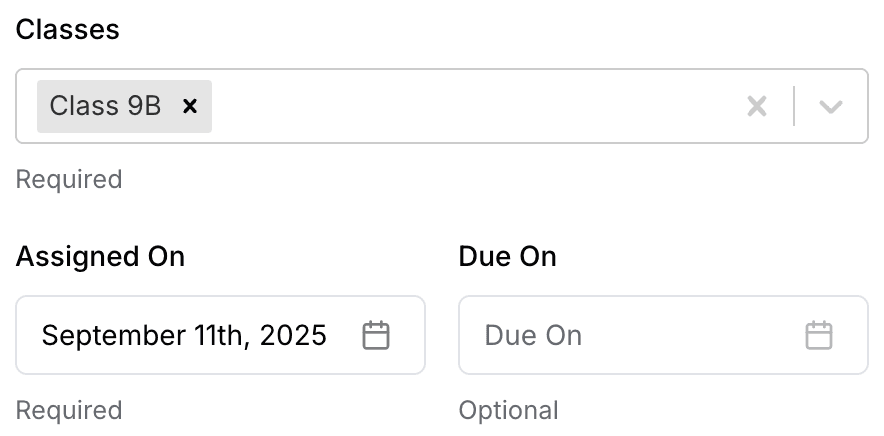
Elemental will automatically show your Microsoft Teams classes, allowing you to select these classes when assigning homework.
Microsoft Teams will always display a due date, so if "Due On" is left empty, Elemental will default it to one week ahead. If you set a future "Assigned On" date, it must be at least tomorrow for Microsoft Teams to recognise it.
- 2
View Homework in Microsoft Teams
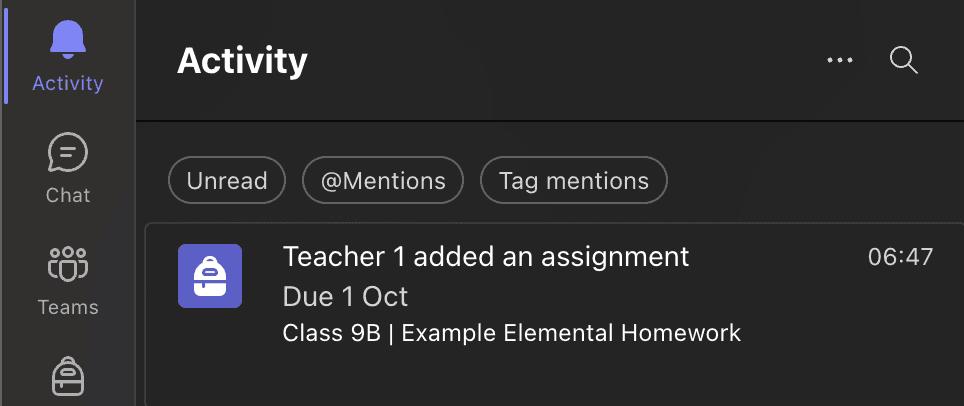
Homework will be added to Microsoft Teams automatically, and the students in the class will be notified.
- 3
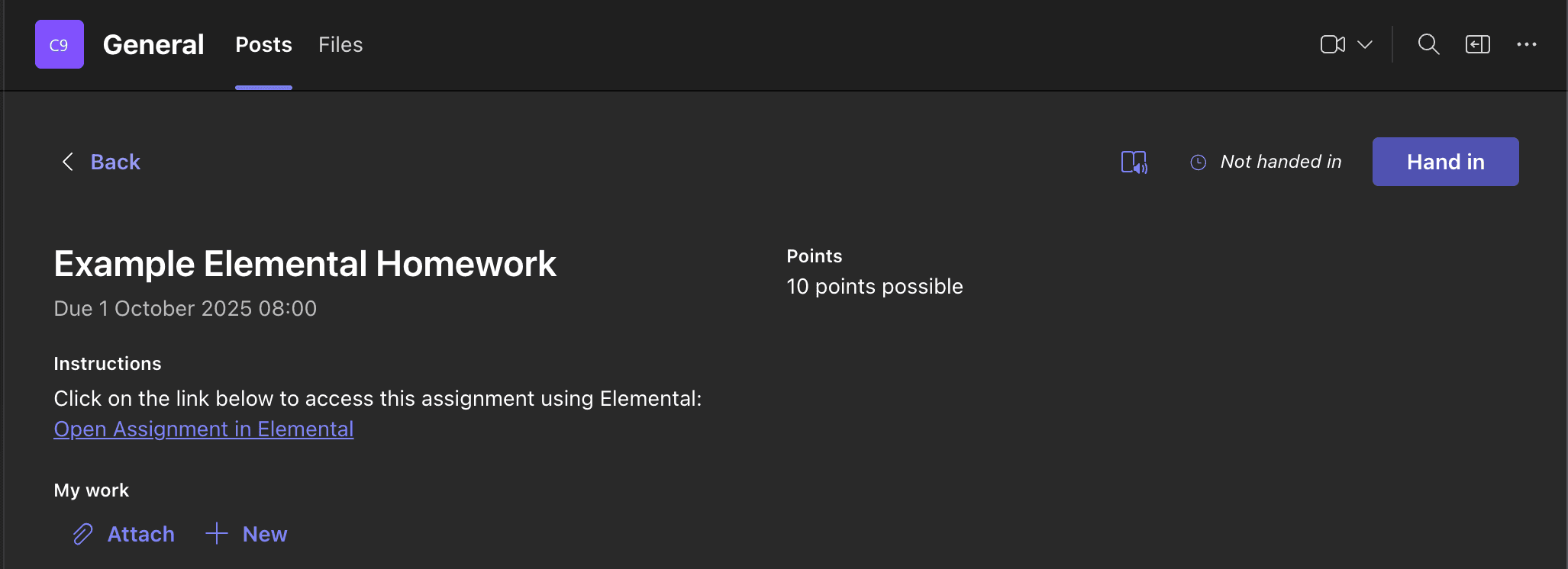
Preview the Student View in Microsoft Teams
The assignment includes a link to start the quiz in Elemental, together with the number of points available. Students will be able to sign in to Elemental using their school Microsoft accounts.
- 4
View Homework Results in Elemental
A detailed breakdown of the student marks will be available in Elemental.

- 5
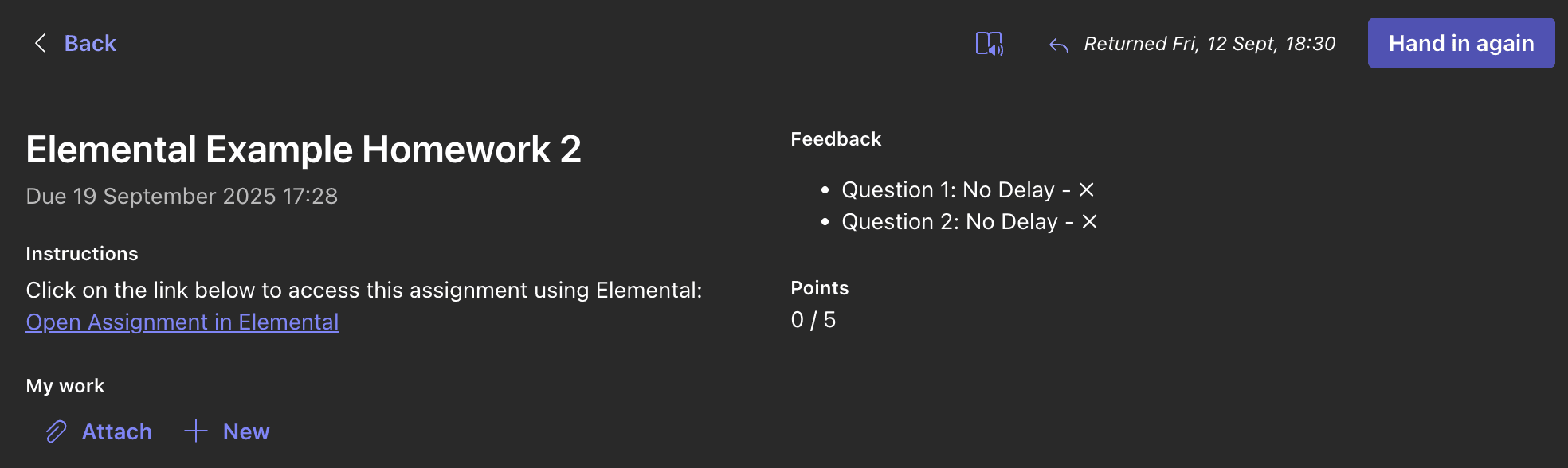
Send Elemental Marks to Microsoft Teams
Clicking on the "Sync Marks & Return Assignment" button will send the marks to Microsoft Teams and return the assignment, including feedback on correct and incorrect answers and the total score.
Last updated: 11 Sep 2026