Creating an Email / Password Account
Create an Elemental account with an email address and a password on the website or in the mobile app
You can create an Elemental account with your email address and a password of your choice, on the website or in the mobile app.
If you are a student and your school already uses Elemental, you do not need to create an account. Your school provides your sign-in details. Sign in with your email address and password instead. Ask your teacher if you do not have them.
Prerequisites
- An email address where you can receive emails
On the Website
- 1
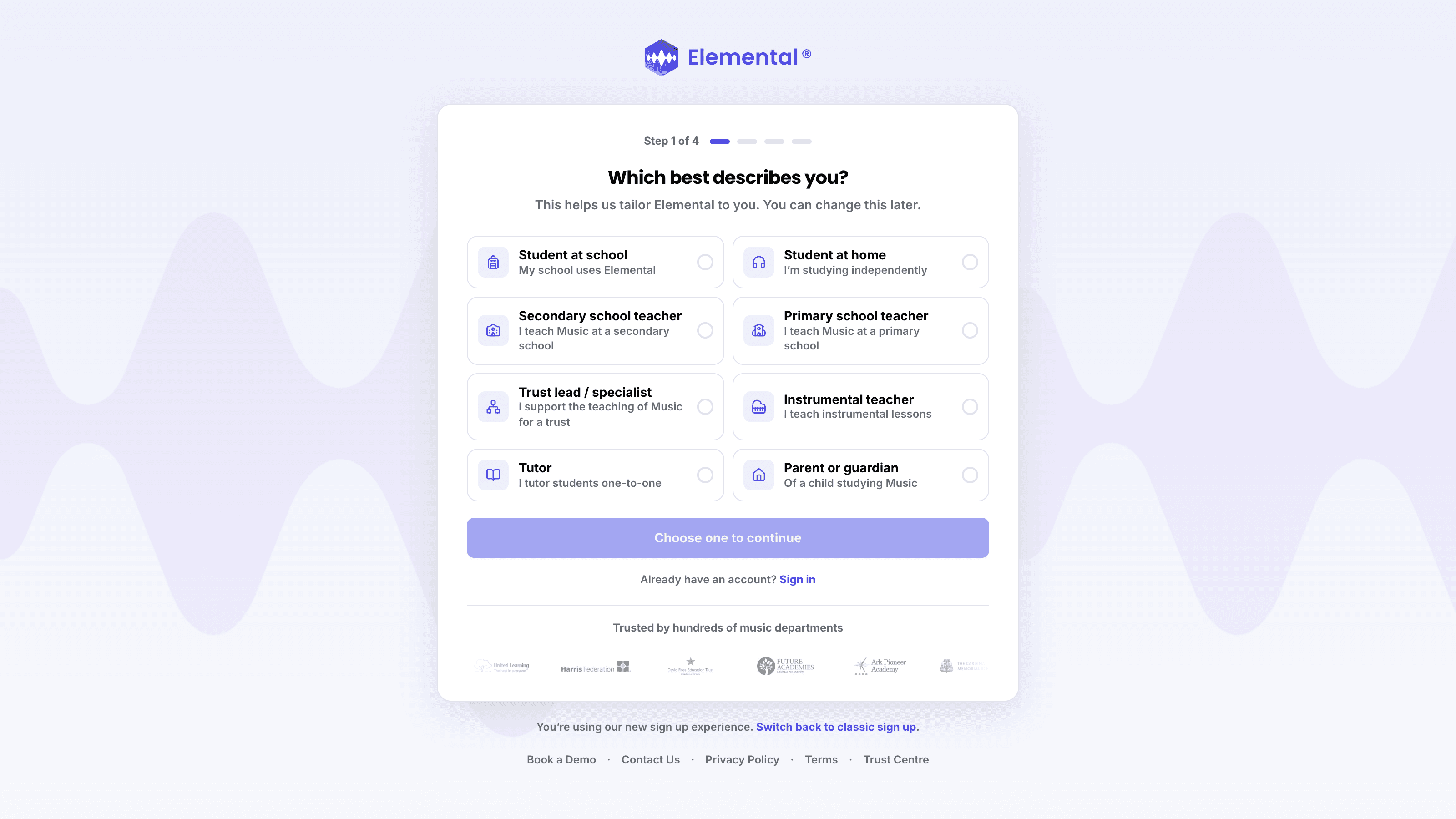
Tell Us Who You Are
Open the sign-up pageGo to elementalmusic.app and select Start 30-Day Free Trial at the top of the page. Choose the option that best describes you (this helps us tailor Elemental to you, and you can change it later), then select Continue.
- 2
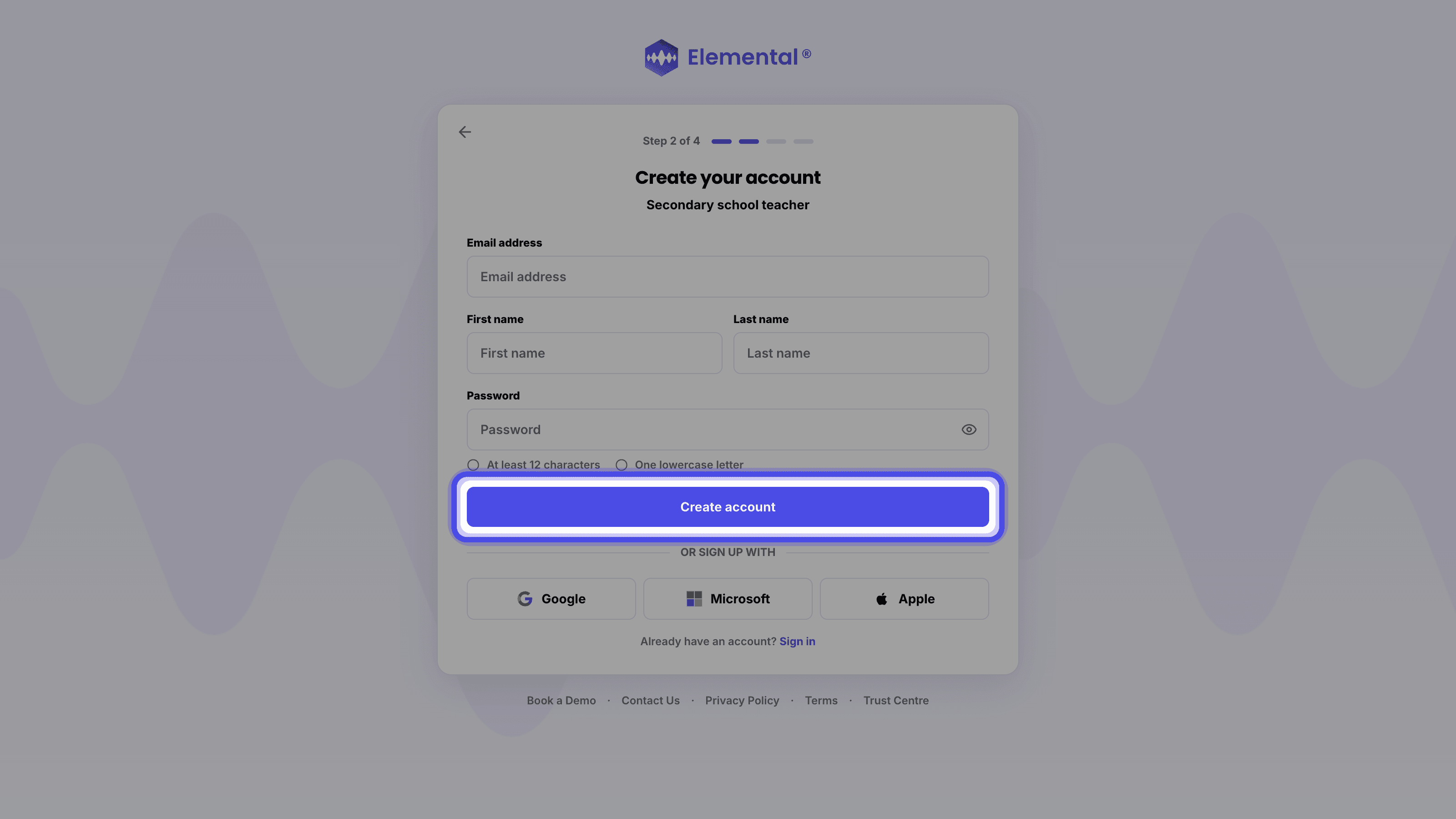
Fill In Your Details
Enter your email address, first name, last name and a password of at least 12 characters (with at least one lower case letter). Accept the terms if shown, including the confirmation that you are at least 13 years old, then select Create account.
- 3
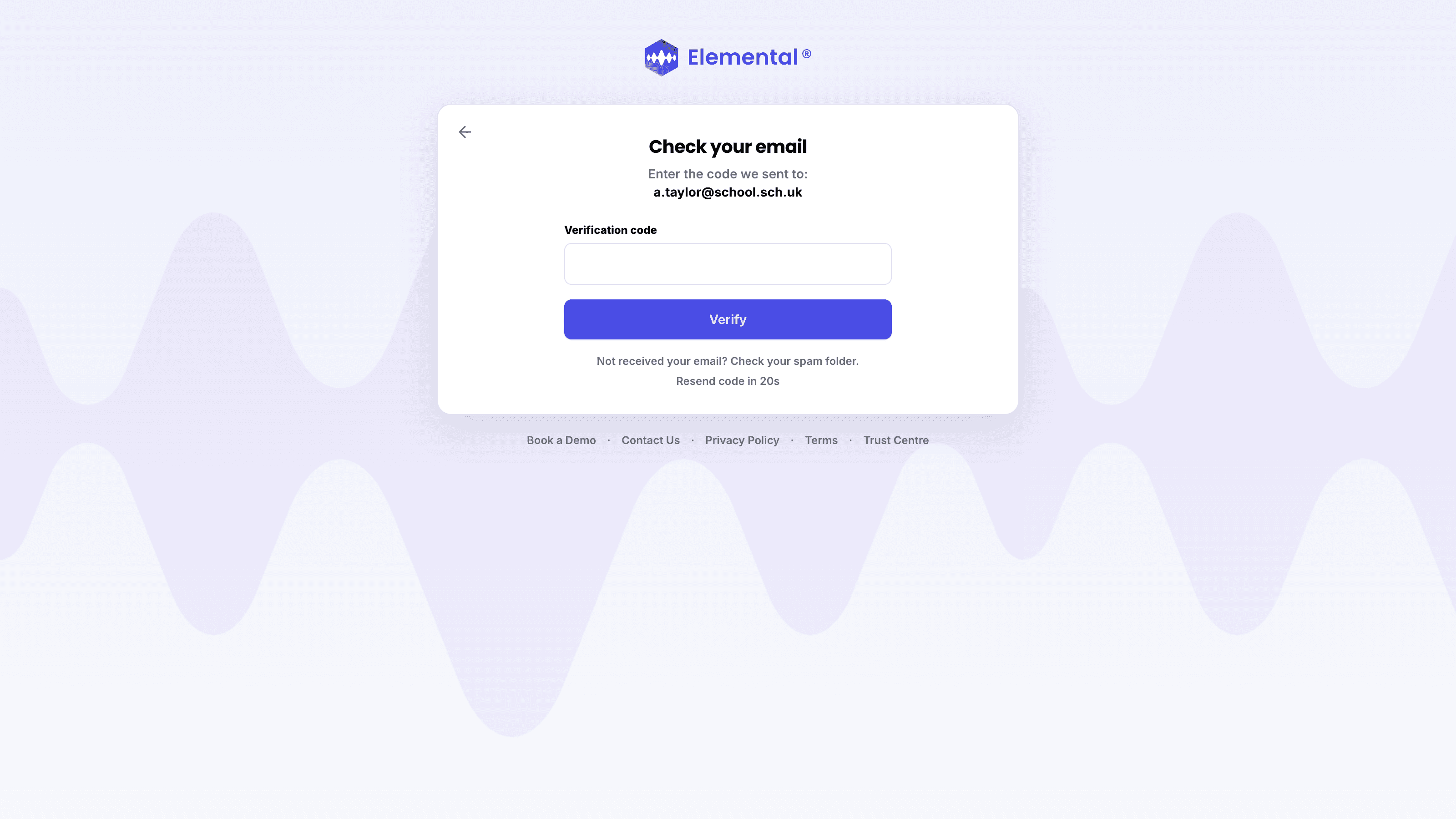
Verify Your Email Address
We will email you a verification code. Enter it on the Check your email page and you will be signed in straight away. The email will be sent by support@elementalmusic.app. If the email does not arrive, please check your junk / spam folders and then contact us for support.
In the Mobile App
- 1
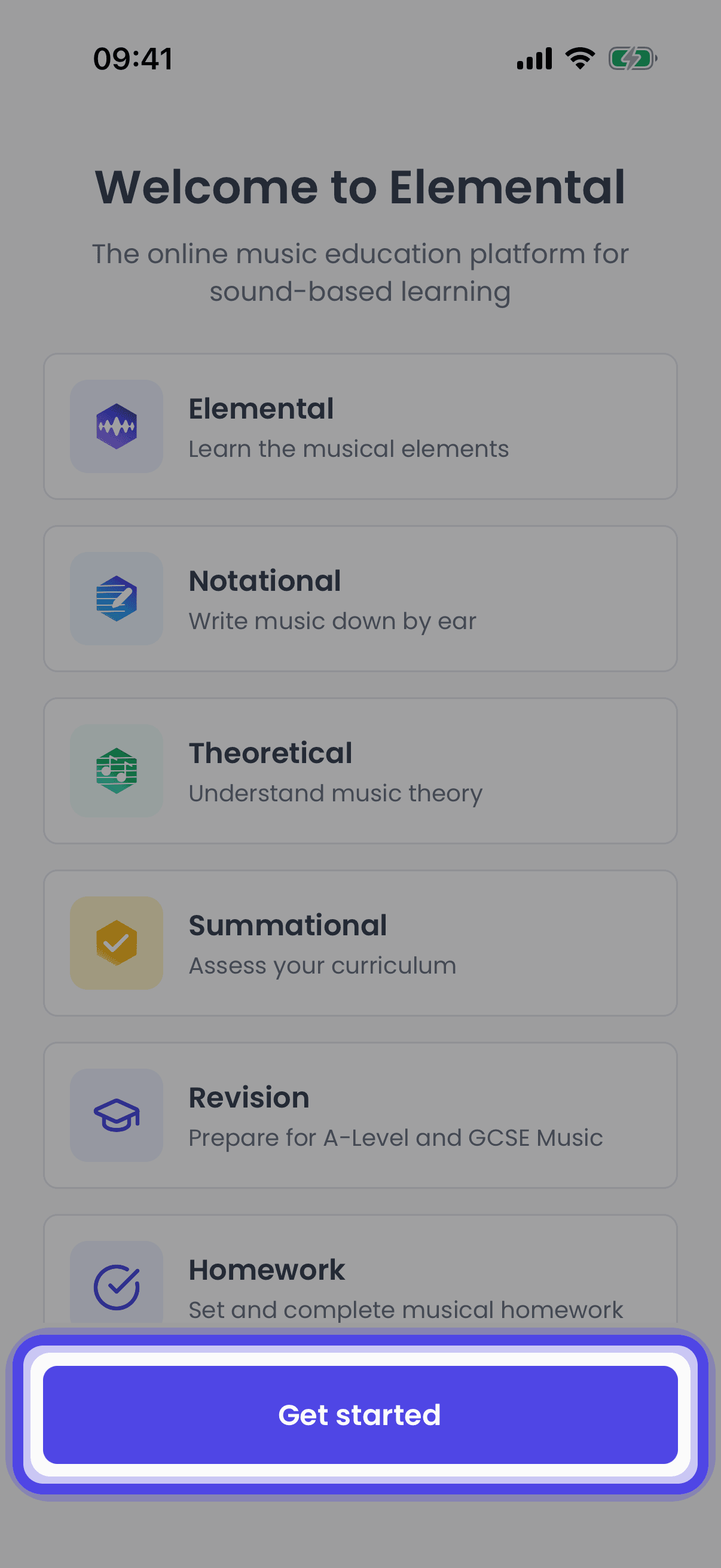
Open the App
Open the Elemental app. If you see the welcome screen, tap Get started.
- 2
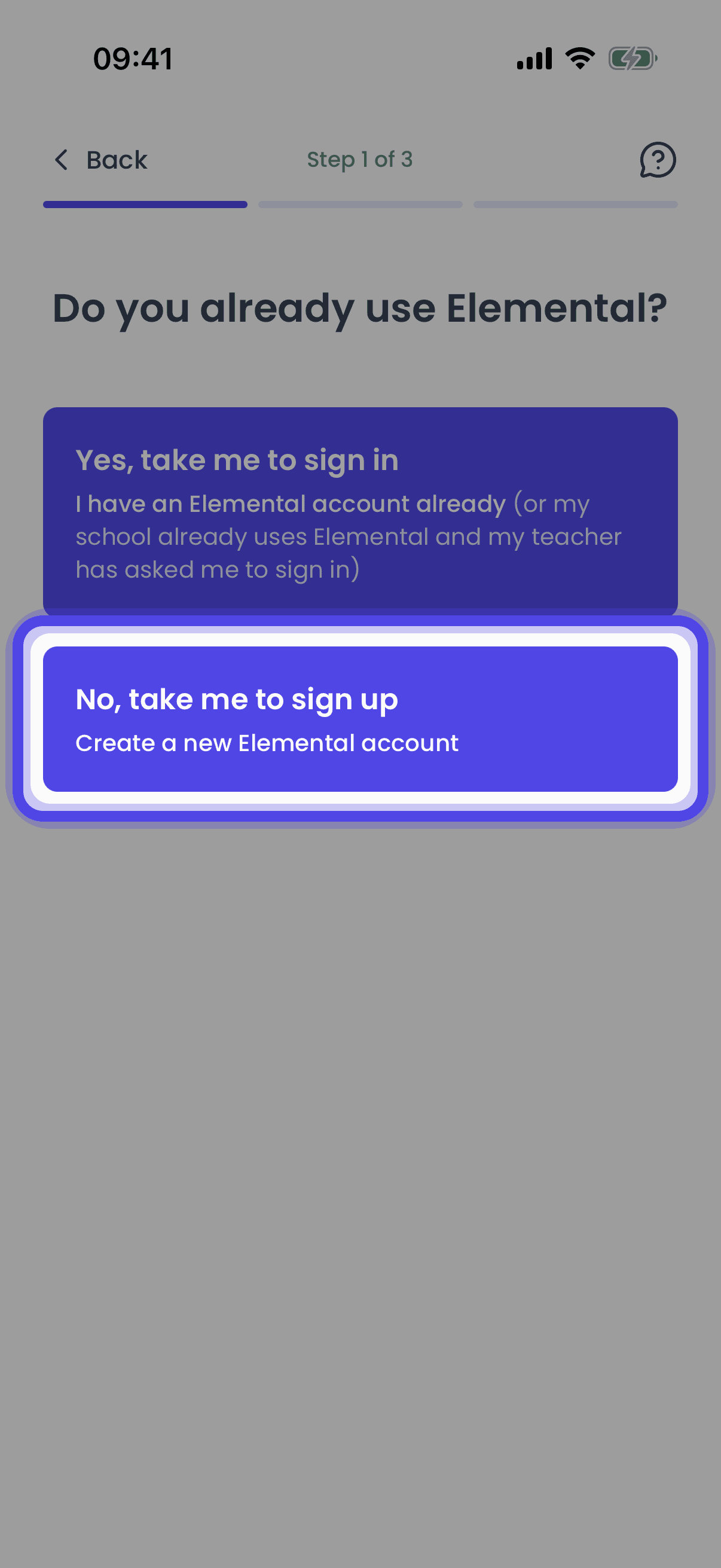
Go to Sign Up
Choose No, take me to sign up.
- 3
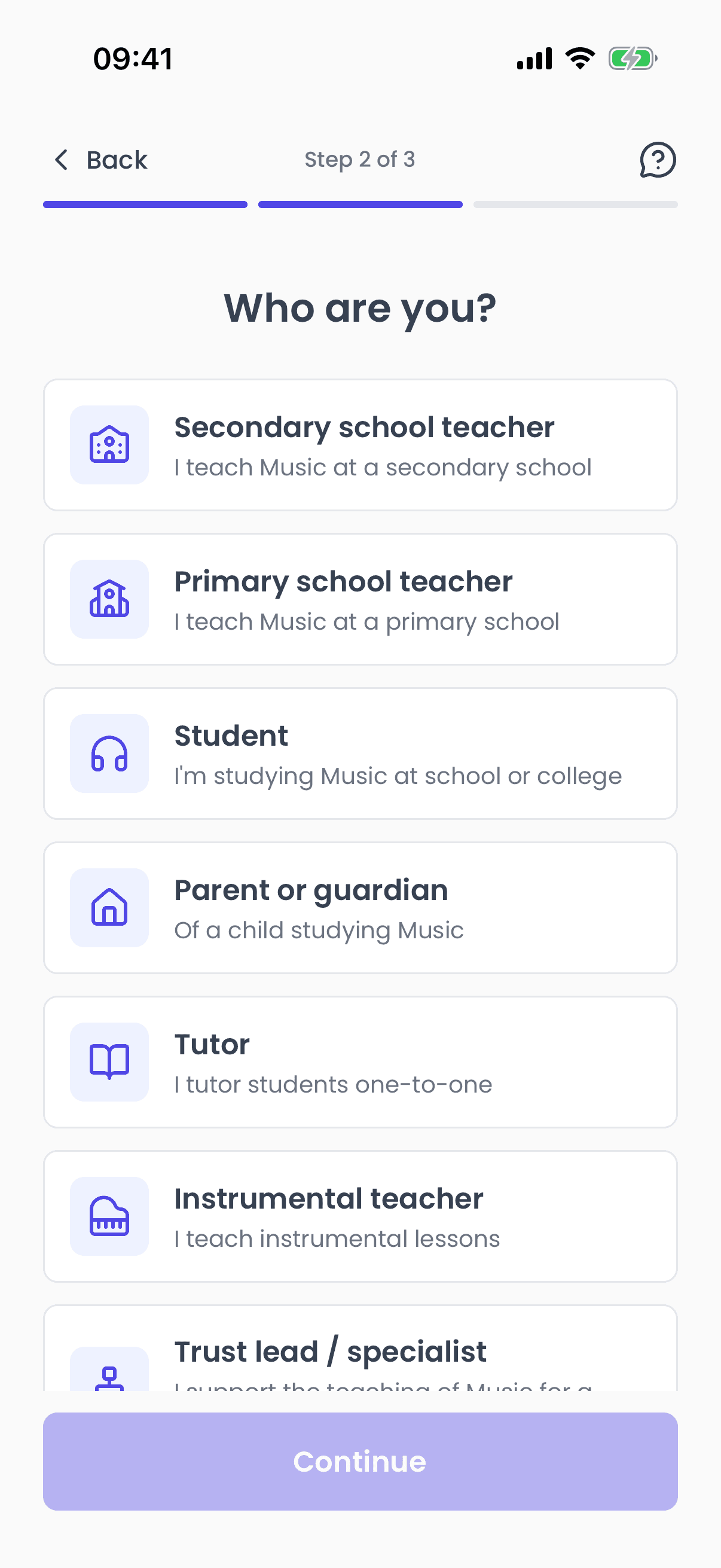
Tell Us Who You Are
Choose the option that best describes you, then continue.
- 4
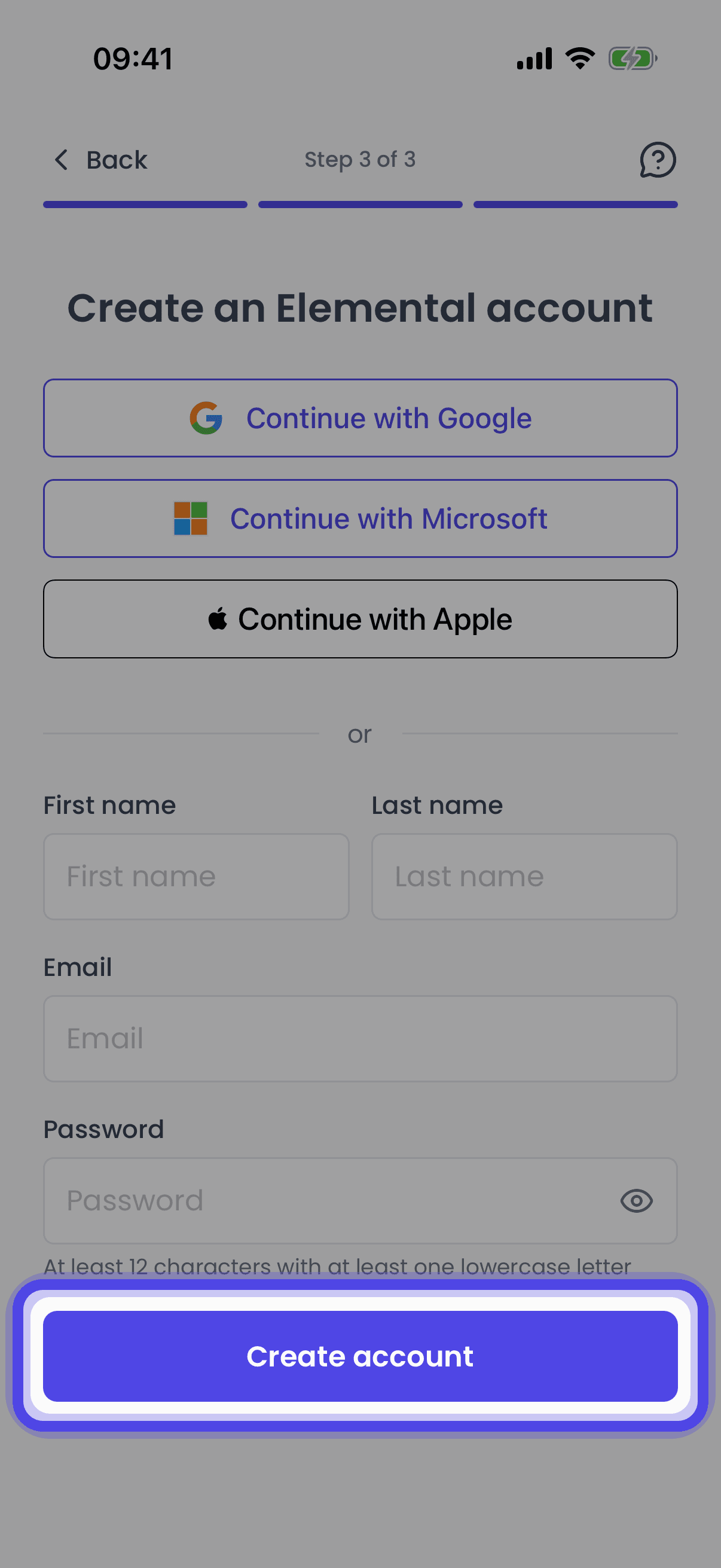
Fill In Your Details
Enter your first name, last name, email address and a password of at least 12 characters (with at least one lower case letter), then tap Create account.
- 5
Verify Your Email Address
We will email you a verification code. Enter it on the Verify your email screen and you will be signed in straight away. The email will be sent by support@elementalmusic.app. If the email does not arrive, please check your junk / spam folders and then contact us for support.
Troubleshooting
The Verification Email Has Not Arrived
The email is sent by support@elementalmusic.app. Check your junk / spam folders first, then request another code. If it still does not arrive, contact us for support.
Related Articles
Create an Elemental account using your Google sign-in on the website or in the mobile app
Creating a Microsoft AccountCreate an Elemental account using your Microsoft sign-in on the website or in the mobile app
Signing in with Email / PasswordSign in to Elemental with your email address and password on the website or in the mobile app
Last updated: 12 Sep 2026